


How to Book
Reserve your stay in just a few simple steps
There are two easy ways to book your stay at Moenia Hotel. Pick whichever suits you best — both lead to the same secure checkout.
Via the Booking Bar
Pick your dates & guests
Use the booking bar on the homepage to select your check-in and check-out dates, then set the number of adults and children. Hit Reserve to see available rooms.
Choose your room
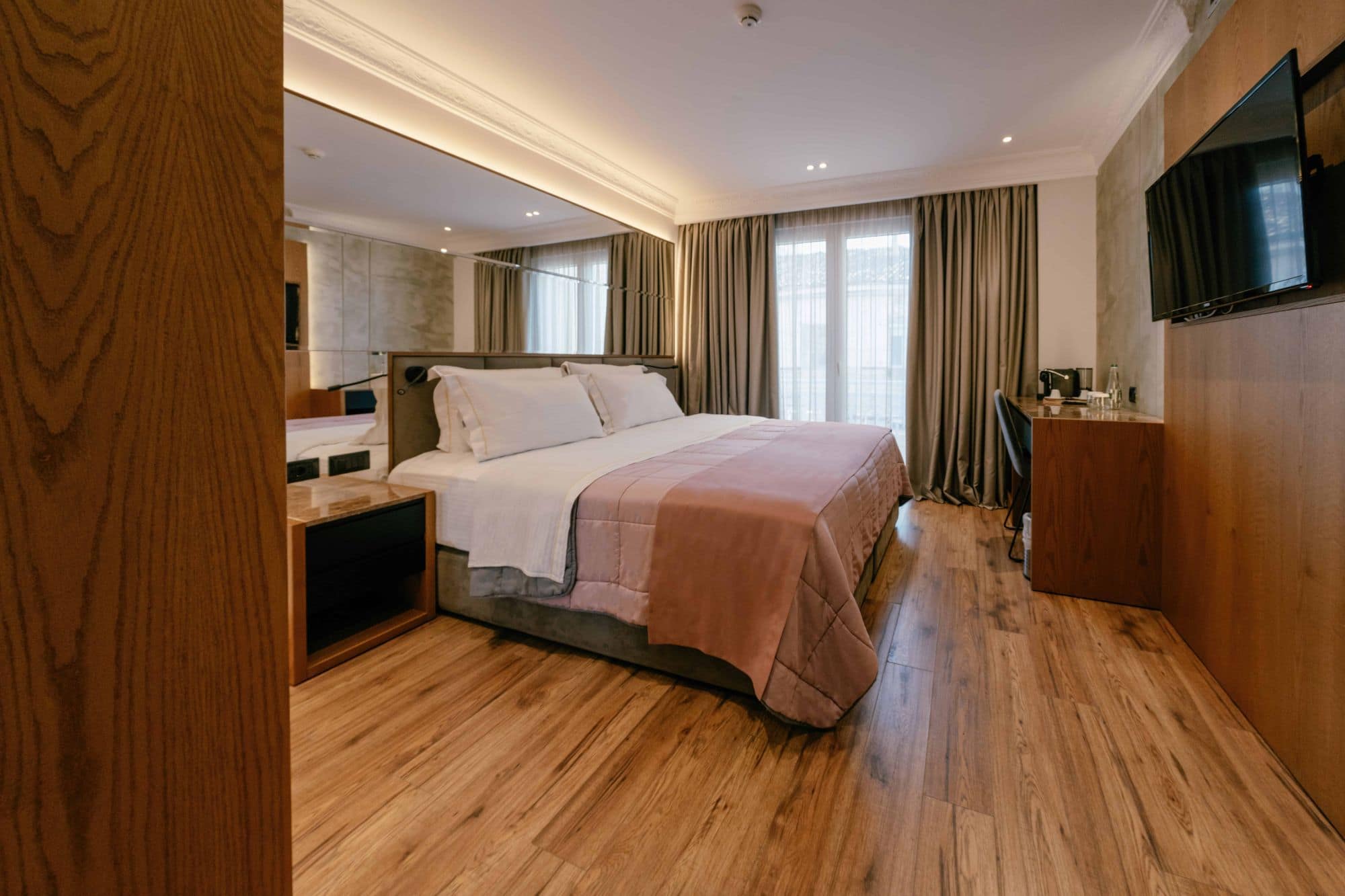
Browse the available rooms, compare amenities and prices, then add the one you like to your selection.
Checkout
Review your booking summary, enter your details, and complete payment. Confirmation is instant.
Via Room Details
Explore a room
From the homepage or rooms section, click on any room that catches your eye to open its detail page.
Pick dates & guests
On the room detail page, use the built-in calendar and guest selectors to set your stay, then click "Book this room".
Checkout
Review your booking summary, enter your details, and complete payment. Confirmation is instant.
Both paths lead to secure checkout with instant confirmation
Ready to reserve?
Start planning your stay at Moenia Hotel. Select your dates and find the perfect room.